
Description
Allen-Bradley 2711P-RP8D Product Introduction
- Model: 2711P-RP8D
- Brand: Allen-Bradley (Rockwell Automation)
- Series: Allen-Bradley 2711P PanelView Plus 7 Series
- Core Function: Industrial remote control and monitoring
- Type: Remote Panel (HMI Accessory)
- Key Specs: 24VDC, Ethernet/IP, 8-inch display
- Supply Status: in stock
- Stock: 7
- Warranty: 1 year
- Ship From: China
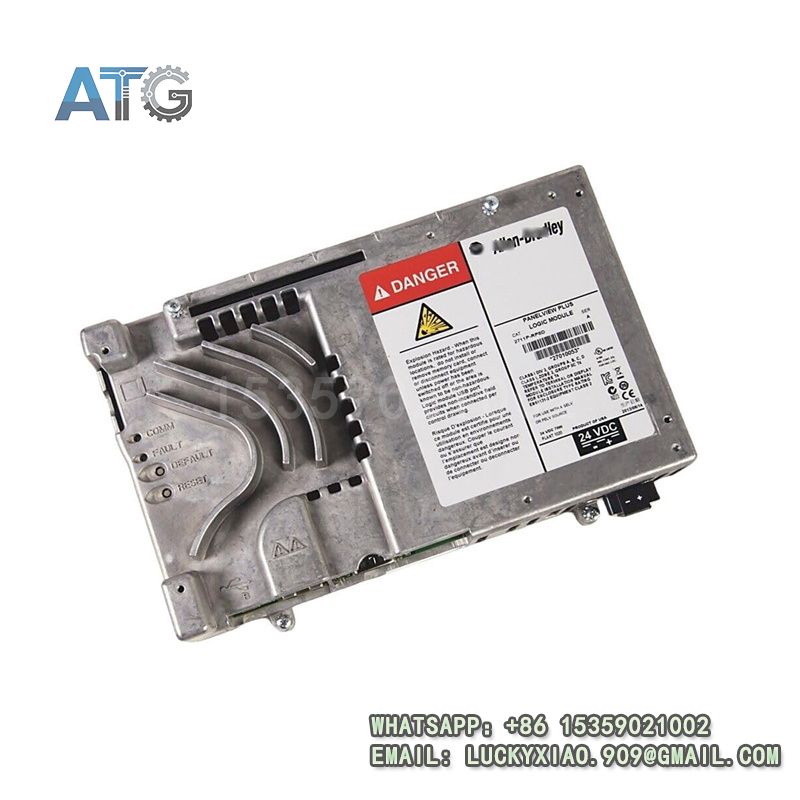
2711P-RP8D
Product System Function Introduction
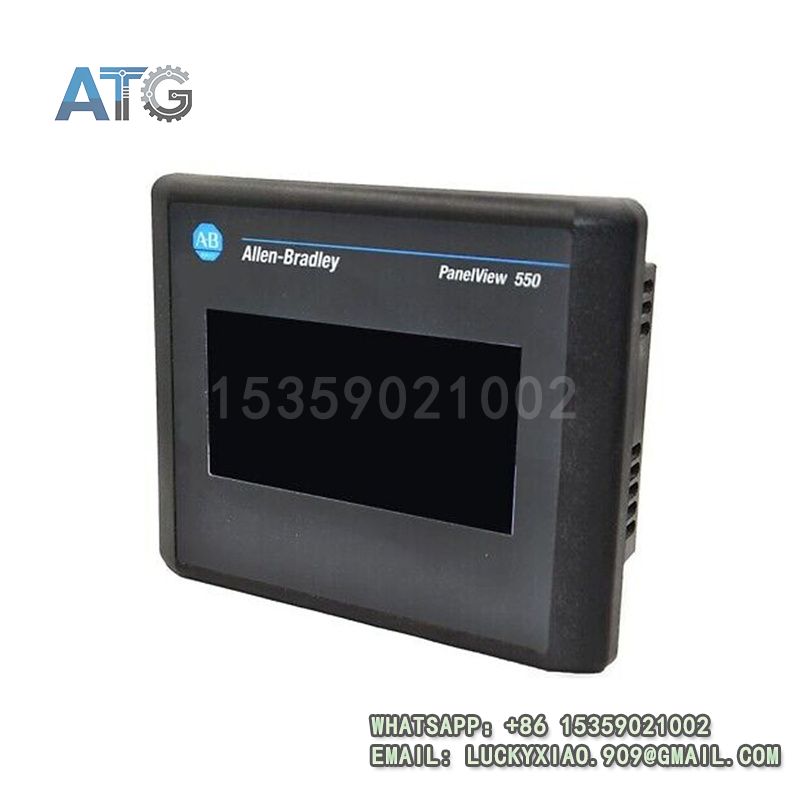
The 2711P-RP8D is a remote panel under Allen-Bradley’s 2711P PanelView Plus 7 Series. It is designed for industrial remote operation and monitoring. It is easy to install and operate. It integrates seamlessly with Allen-Bradley HMI and control systems. Its specific system functions are divided into the following points:
1. Functional Positioning and Core Value: It is a professional industrial remote panel. It realizes remote control of on-site equipment. It displays real-time operation status. It ensures convenient and safe operation for operators.
2. Display and Operation Performance: It has an 8-inch clear display screen. It supports intuitive operation and parameter viewing. It has fast response speed. It adapts to harsh industrial on-site viewing environments.
3. Compatibility and Integration: It supports Ethernet/IP communication protocol. It is fully compatible with 2711P PanelView Plus 7 HMIs. It integrates seamlessly with Allen-Bradley PLCs and control systems. It is easy to configure with FactoryTalk View software.
4. Reliability and Durability: It adopts rugged industrial design. It has strong anti-electromagnetic interference ability. It resists high temperature and humidity. It has long service life and low failure rate.
Application Industries
With its convenient remote operation, stable performance and good compatibility, this remote panel is widely used in various industrial fields, especially Allen-Bradley’s advantageous fields such as automotive and food beverage. The main application industries are as follows:
1. Automotive Manufacturing Industry: It is used in automobile assembly lines and parts processing workshops. It realizes remote control of conveyor belts and testing equipment. It improves operation efficiency and safety.
2. Food and Beverage Industry: It is applied to automatic packaging and processing lines. It remotely monitors and controls production equipment. It ensures consistent production process and operation safety.
3. Electronic Manufacturing Industry: It is used in electronic component assembly workshops. It remotely operates and monitors assembly equipment. It improves production accuracy and operation convenience.
4. Petrochemical Industry: It is applied to chemical production workshops and pipeline control systems. It realizes remote operation in dangerous areas. It ensures operator safety and system stability.
5. General Automation Industry: It is suitable for various industrial automation scenarios. It is widely used in remote control and monitoring of on-site equipment.
Usage Instructions
To ensure the stable and safe operation of the 2711P-RP8D remote panel, please follow the following usage instructions:
1. Installation Requirements: Install the panel in a dry and well-ventilated place. Keep it away from high temperature, humidity and corrosive gases. Ensure firm installation to avoid vibration damage.
2. Wiring Specifications: Strictly follow the wiring diagram to connect power and communication lines. Distinguish positive and negative poles clearly. Use shielded cables for communication lines. Do not wire with power on.
3. Parameter Configuration: Configure communication parameters with FactoryTalk View software. Set remote control parameters according to actual needs. Ensure parameters match the HMI and control system.
4. Operation and Maintenance: Regularly check the panel’s running status and display clarity. Clean the screen and surface to remove dust. Check wiring for looseness and tighten it in time. Regularly check communication stability.
5. Safety Precautions: Cut off the power before installation or maintenance. Do not touch the terminals with wet hands. Avoid collision or impact on the display screen. Only professional personnel can perform debugging.