
Description
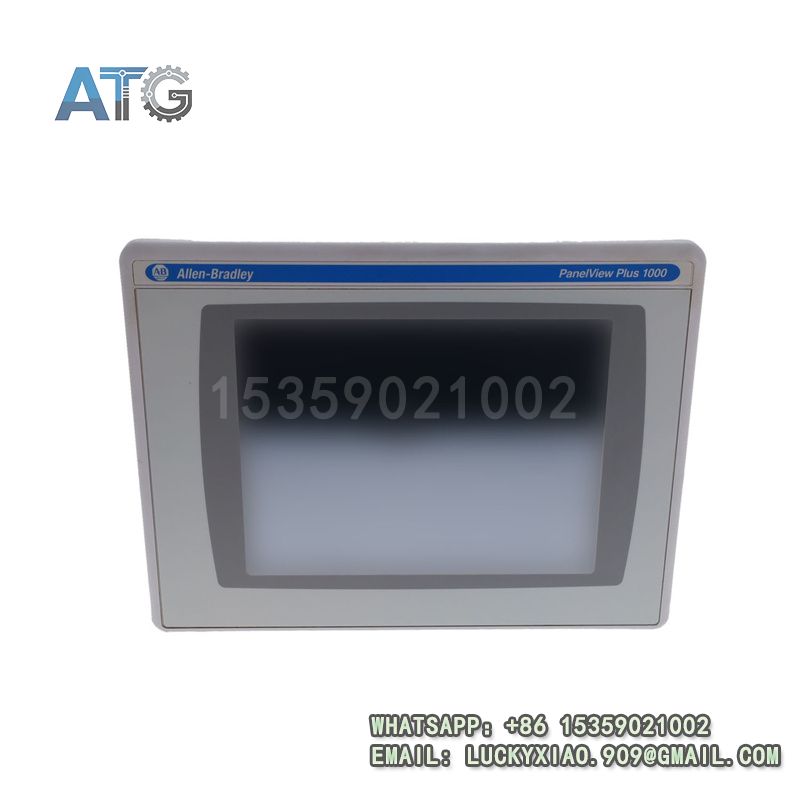
Allen-Bradley 2711P-RDB10C Product Introduction
- Model: 2711P-RDB10C
- Brand: Allen-Bradley (Rockwell Automation)
- Series: Allen-Bradley 2711P PanelView Plus 7 Series
- Core Function: Industrial HMI monitoring and operation
- Type: HMI (Human-Machine Interface) Module
- Key Specs: 24VDC, 10-inch display, Ethernet/IP
- Supply Status: in stock
- Stock: 18
- Warranty: 1 year
- Ship From: China
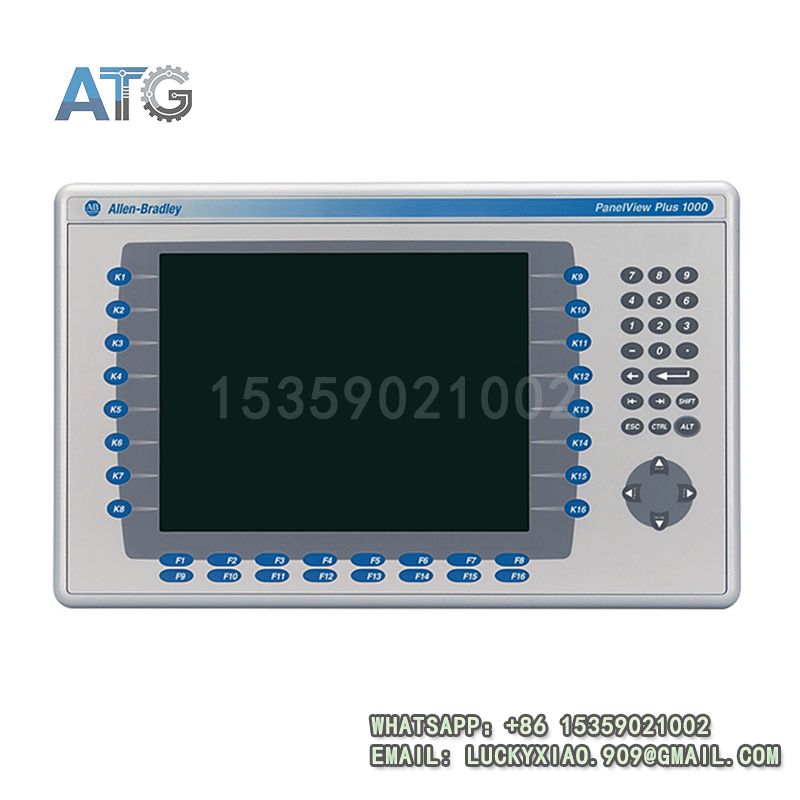
2711P-RDB10C
Product System Function Introduction
The 2711P-RDB10C is an HMI module under Allen-Bradley’s 2711P PanelView Plus 7 Series. It is designed for industrial on-site operation and monitoring. It has a large clear display and user-friendly operation. It is widely used in various industrial automation scenarios. Its specific system functions are divided into the following points:
1. Functional Positioning and Core Value: It is a professional industrial HMI. It realizes real-time monitoring of equipment status. It supports manual operation and parameter setting. It connects operators and industrial automation equipment effectively.
2. Display and Operation Performance: It is equipped with a 10-inch color touch screen. The display is clear and visible in harsh industrial environments. It has a sensitive touch response for quick operation. It supports multi-language display for wide application.
3. Compatibility and Integration: It supports Ethernet/IP communication protocol. It is fully compatible with Allen-Bradley PLCs and control systems. It integrates seamlessly with on-site automation equipment. It is easy to connect, configure and debug.
4. Reliability and Durability: It adopts rugged industrial structure design. It has strong anti-electromagnetic interference ability. It adapts to high temperature, humidity and dusty industrial sites. It has stable performance and long service life.
Application Industries
With its excellent performance, easy operation and good compatibility, this HMI module is widely used in various industrial fields. The main application industries are as follows:
1. Automotive Manufacturing Industry: It is used in automobile assembly lines and parts processing equipment. It displays equipment running status and production parameters. It allows manual operation to ensure production stability.
2. Electronic Manufacturing Industry: It is applied to electronic component assembly and testing equipment. It monitors production processes and supports parameter adjustment. It improves production efficiency and product quality.
3. Packaging Machinery Industry: It is used in automatic packaging lines, labeling and filling equipment. It controls equipment operation and displays working status. It ensures consistent packaging quality.
4. Water Treatment Industry: It is applied to water supply and sewage treatment systems. It monitors water quality, flow and equipment status. It facilitates on-site operation and parameter modification.
5. General Automation Industry: It is suitable for various automated production equipment. It is widely used in material handling, precision machining and other scenarios.
Usage Instructions
To ensure the stable and safe operation of the 2711P-RDB10C HMI module, please follow the following usage instructions:
1. Installation Requirements: Install the module firmly on a stable surface or DIN rail. Keep it away from high temperature, humidity and corrosive gases. Ensure the installation position is convenient for operation and observation.
2. Wiring Specifications: Strictly follow the wiring diagram to connect power and signal lines. Distinguish positive and negative poles clearly to avoid short circuit. Use shielded cables for signal lines to reduce interference. Do not wire with power on.
3. Parameter Configuration: Configure parameters according to actual application needs. Use Allen-Bradley Studio 5000 software for setting and debugging. Ensure parameters match the connected PLC and control system.
4. Operation and Maintenance: Regularly check the module’s running status, including display and touch response. Clean the touch screen with a soft cloth to remove dust and stains. Check wiring for looseness and tighten it in time.
5. Safety Precautions: Cut off the power before installation, disassembly or maintenance. Do not touch the module’s terminals with wet hands. Avoid scratching the touch screen. Only professional personnel can perform debugging and maintenance.