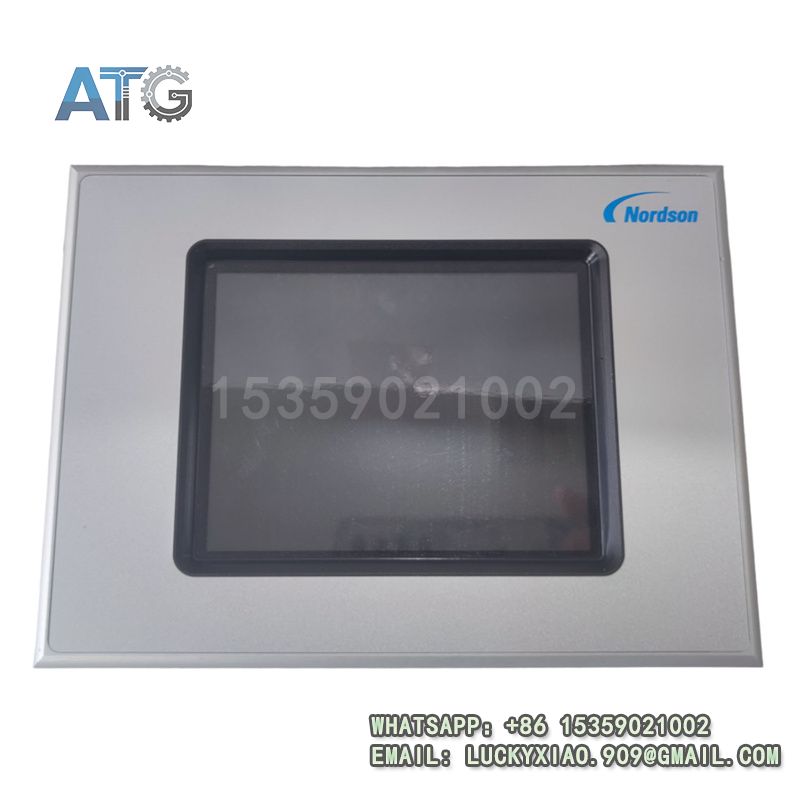

Description
EATON XV-440-10TVB-1-50 Product Introduction
- Model: XV-440-10TVB-1-50
- Brand: EATON
- Series: EATON XV400 Series
- Core Function: Industrial HMI visualization & touch control
- Type: Human-Machine Interface (HMI) Touch Panel
- Key Specs: 24VDC, 10.4″ TFT, Ethernet/RS232/CAN
- Supply Status: in stock
- Stock: 13
- Warranty: 12 months
- Ship From: China
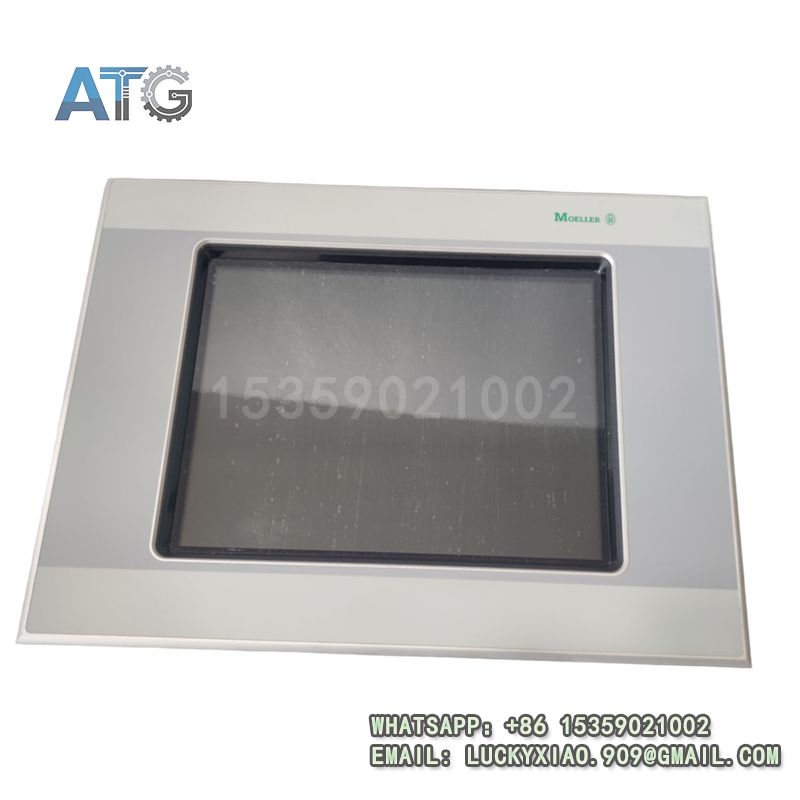
XV-440-10TVB-1-50
System Application, Role & Working Principle
- Applicable System: It is mainly used in EATON XV400 series industrial automation systems. It is also widely applied in industrial control systems, machine control platforms, and process automation lines. It can be seamlessly integrated with PLCs, drives, and DCS/SCADA systems for unified operation and management[5].
- System Role: It serves as the core human-machine interaction component in the system. It displays real-time equipment status and process data intuitively. It allows operators to send control commands and adjust parameters via touch operation. It also provides alarm prompts and operation logging to support troubleshooting and traceability[4].
- Working Principle: It collects data from connected field equipment through built-in communication interfaces. It converts raw data into visual graphics and text for operators to view. It translates touch inputs into control signals and sends them to field devices. It updates the interface in real time with equipment feedback to ensure operators grasp the system status timely[5].
Usage Instructions
- Installation: Panel-mount in a clean, ventilated control cabinet. Avoid direct sunlight and strong electromagnetic interference. Ensure proper grounding and meet IP protection requirements.
- Wiring: Follow the official wiring diagram strictly. Use shielded cables for communication lines. Separate power and signal wiring to reduce interference and ensure stable data transmission.
- Configuration: Use EATON professional configuration software to design operation interfaces and set communication parameters. Test communication with connected devices before formal operation.
- Maintenance: Clean the touch screen with a soft dry cloth regularly. Check cable connections and indicator status. Back up configuration files periodically to avoid data loss.
- Safety Notes: Cut off all power before installation, wiring or maintenance. Only qualified technicians should perform configuration and debugging to avoid equipment damage or electric shock.