
Description
6181P-15TPXP Allen-Bradley Product Introduction
- Model: 6181P-15TPXP
- Brand: Allen-Bradley (Rockwell Automation)
- Series: Allen-Bradley 6181P-Series Industrial Flat Panel Display
- Core Function: Industrial on-site monitoring and operation
- Type: Industrial Flat Panel Display (Touch Screen)
- Key Specs: 15-inch, 24VDC, Touchscreen operation
- Supply Status: In Stock
- Stock: 9
- Warranty: 1 year
- Ship From: China
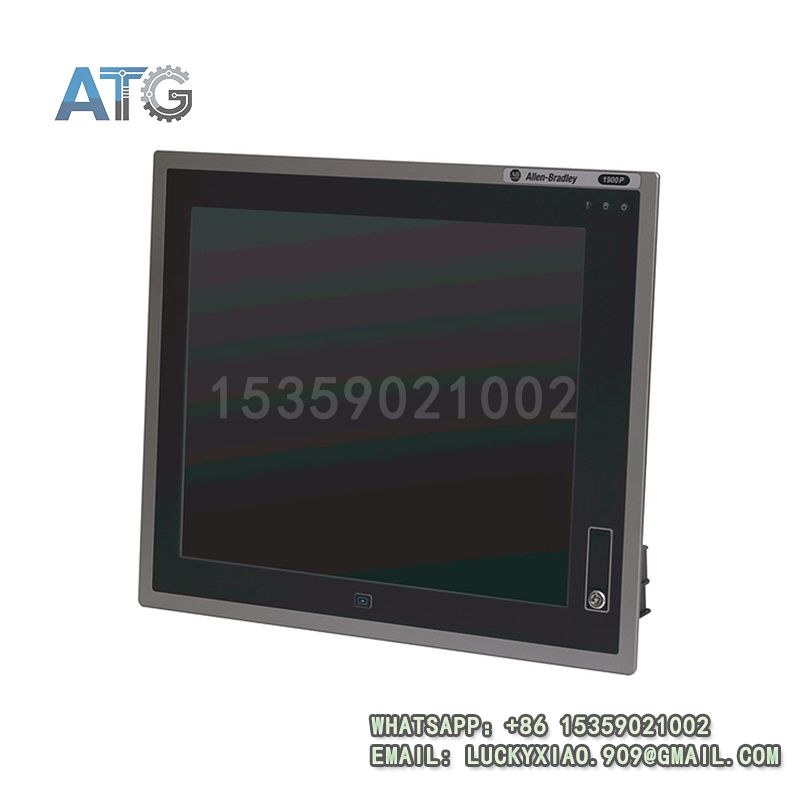
6181P-15TPXP
Product System Function Introduction
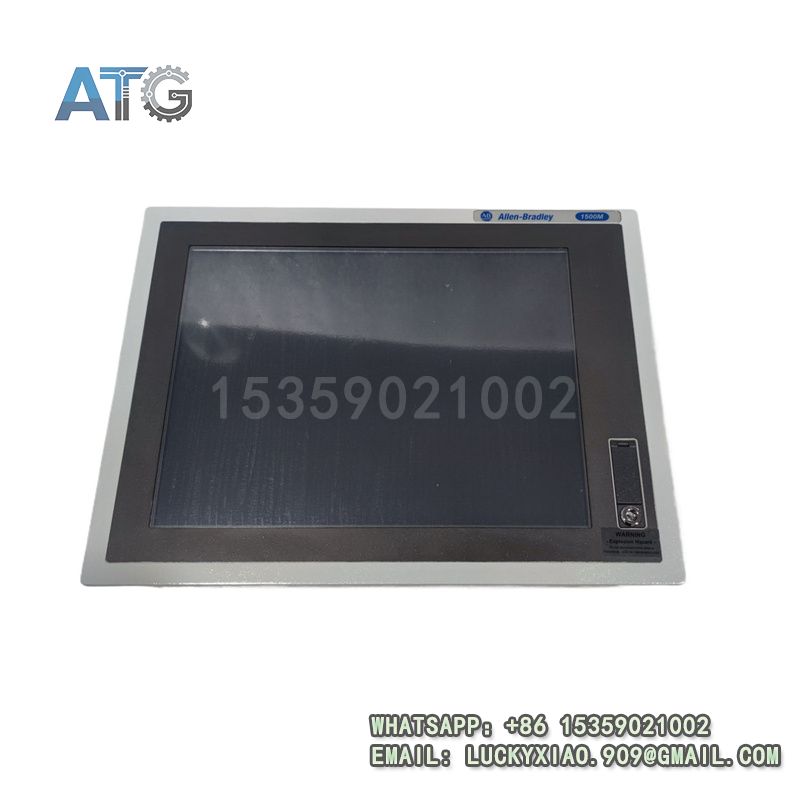
The 6181P-15TPXP is a high-reliability industrial flat panel display under Allen-Bradley’s 6181P-Series, specially designed to provide intuitive monitoring and convenient operation for industrial automation on-site. It integrates a high-definition 15-inch touch screen, stable industrial-grade hardware and flexible communication capabilities, supporting seamless integration with Allen-Bradley PLCs, controllers and other automation equipment, and is widely used in industrial scenarios requiring on-site human-machine interaction. Its specific system functions are divided into the following points:
1. Functional Positioning and Core Value: As a key product of the 6181P-Series industrial displays, this product is positioned as a human-machine interaction (HMI) component in industrial automation systems, responsible for displaying real-time operation data of equipment, transmitting operation instructions, and realizing visual monitoring and control of the production process. Its core value lies in simplifying on-site operation, improving monitoring efficiency, bridging the gap between operators and automation equipment, and ensuring the smooth operation of industrial production.
2. Display and Touch Performance: The display is equipped with a 15-inch high-definition LCD screen, with clear image quality, high brightness and wide viewing angle, ensuring that operators can clearly view data and interface information in harsh industrial environments with strong light or large viewing angles. It adopts a high-sensitivity resistive touch screen, supporting stable and accurate touch operation, which can adapt to operation with gloves (common in industrial on-site), and has strong scratch resistance and durability, suitable for long-term use in industrial scenarios.
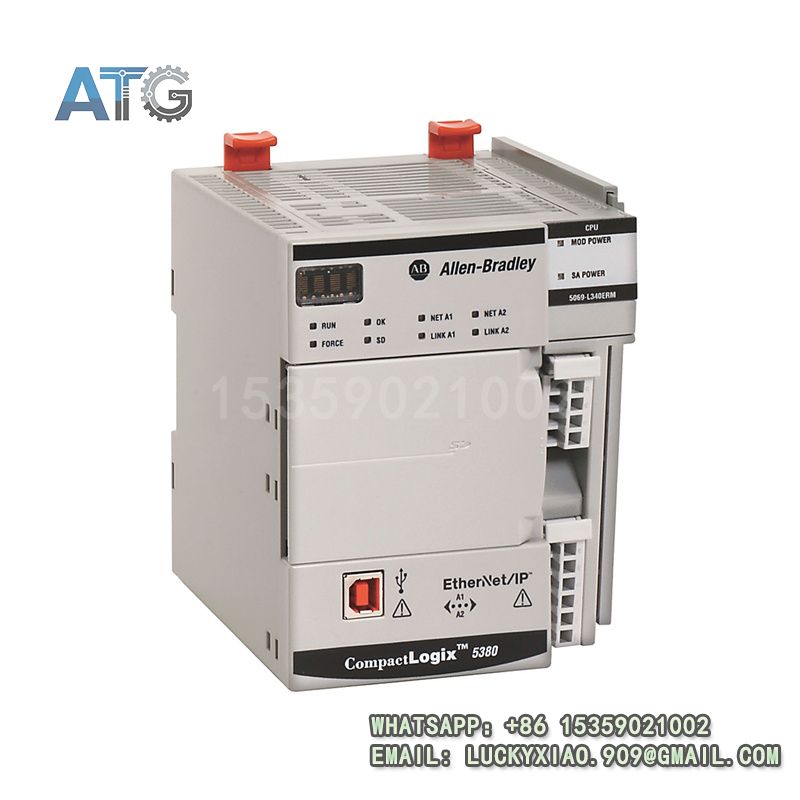
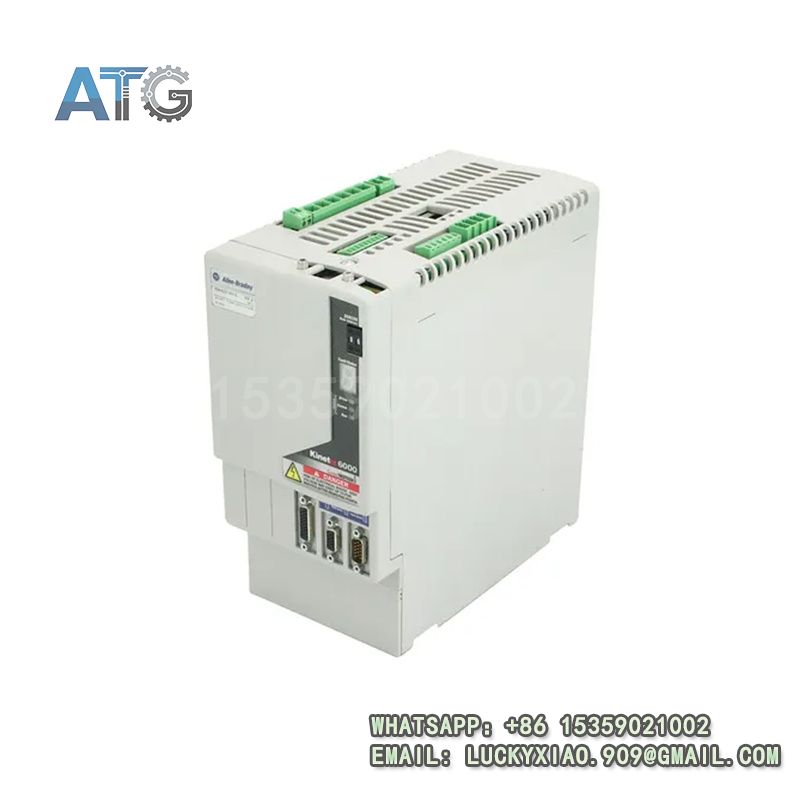
3. Compatibility and System Integration: It is fully compatible with Allen-Bradley ControlLogix, CompactLogix series PLCs and Kinetix series servo controllers, supporting Ethernet/IP and RS-232/485 communication protocols, realizing fast and stable data interaction with the control system[1][3]. It supports integration with Allen-Bradley Studio 5000 and FactoryTalk View software, facilitating interface configuration, data setting and remote monitoring, and can be flexibly connected with other industrial equipment to form a complete human-machine interaction system.
4. Reliability and Environmental Adaptability: The product adopts a ruggedized industrial design, with strong anti-interference, dust-proof and anti-vibration performance, which can adapt to harsh industrial on-site environments with operating temperature ranging from -10℃ to 60℃, high humidity and strong electromagnetic interference. It adopts 24VDC stable power supply, with built-in over-voltage, under-voltage and short-circuit protection functions, effectively preventing damage to internal components and ensuring long-term continuous and stable operation[2]. The compact and sealed design prevents dust and moisture from entering, further improving operational reliability.
Application Industries
With its clear display effect, stable touch performance, strong compatibility and high reliability, the 6181P-15TPXP industrial flat panel display is widely used in industrial automation projects that require on-site human-machine interaction, mainly covering the following fields (combining Allen-Bradley’s strength industries[3][4]):
1. Automotive Manufacturing Industry: Applied in automobile assembly lines, parts processing workshops and testing equipment, it is used to display real-time data of production lines, set process parameters and monitor equipment operation status, realizing visual control of the production process, and matching Allen-Bradley’s automation solutions in the automotive field[3].
2. Food and Beverage Industry: Used in food processing and packaging lines, it displays production speed, temperature, pressure and other key parameters, facilitates operators to adjust process settings, avoids production interruptions caused by parameter deviations, and meets food safety production requirements[3].
3. Petrochemical Industry: Applied in chemical production workshops, pipeline control systems and storage tank monitoring stations, it displays real-time data of on-site equipment, monitors abnormal conditions, and transmits operation instructions, ensuring the safe and stable operation of the production process in harsh environments.
4. General Manufacturing Industry: Used in large-scale production lines, packaging machinery, material handling equipment and OEM equipment, it simplifies on-site operation, reduces operator workload, improves production efficiency, and is favored by medium and large system integrators and equipment manufacturers[4].
5. Rail Transit Industry: Applied in rail transit signal control rooms and on-site equipment terminals, it displays signal status, equipment operation parameters and fault information, facilitating on-site maintenance and operation, adapting to the high-reliability requirements of the rail transit field[3].
Usage Instructions
To ensure the long-term stable operation of the 6181P-15TPXP industrial flat panel display and the safe and reliable operation of the entire human-machine interaction system, the following usage instructions should be followed:
1. Installation Requirements: Install the display in a dry, well-ventilated control cabinet or on a stable mounting bracket, avoiding direct sunlight, high temperature (above 60℃) and areas with strong vibration or heavy dust. Ensure firm installation, and keep a certain distance from high-voltage components to avoid electromagnetic interference. The installation environment should be free of corrosive gas and liquid, preventing damage to the screen and internal components. Ensure that the installation angle is suitable for operator viewing and operation.
2. Wiring Specifications: The display adopts 24VDC power supply. When connecting the power supply, strictly distinguish the positive and negative poles, and never reverse the connection to avoid short circuit or damage to the display. For communication wiring, use shielded cables for Ethernet and RS-232/485 lines, ensure the wiring is firm and the contact is good, and the shielding layer of the cable should be properly grounded to reduce electromagnetic interference[2]. It is strictly prohibited to wire with power on to avoid electrical shock or equipment damage.
3. Parameter Configuration and Debugging: Use Allen-Bradley FactoryTalk View software to configure the display interface, including data display, operation buttons, alarm settings and communication parameters. After configuration, download the interface program to the display, and test the communication connection with the PLC or controller to ensure that data display is accurate and operation instructions are transmitted normally. Adjust the screen brightness and touch sensitivity according to the on-site environment to ensure optimal use effect.
4. Operation and Maintenance: During daily operation, regularly check the running status of the display (such as power indicator, screen display, touch response), and clean the screen with a soft, dry cloth to remove dust and stains (avoid using corrosive cleaning agents). Regularly check the wiring for looseness, and monitor the communication status to ensure that data interaction is stable. Regularly back up the interface program to a computer or storage device to prevent program loss due to unexpected faults. When a fault occurs (such as screen blackout, touch failure), stop the operation immediately, cut off the power supply, check the power supply and wiring, and contact professional maintenance personnel for inspection and replacement if necessary.
5. Safety Precautions: Cut off the power supply of the entire system before installation, disassembly or maintenance to prevent electrical shock or equipment damage. Do not touch the screen with sharp objects to avoid scratching the touch surface. Do not touch the terminals or internal components with wet hands or metal tools to avoid short circuit. Avoid collision or impact on the display to prevent physical damage to the enclosure and screen. In flammable and explosive industrial environments, strictly follow the on-site safety regulations and ensure that the display is used in a safe environment to prevent safety accidents.