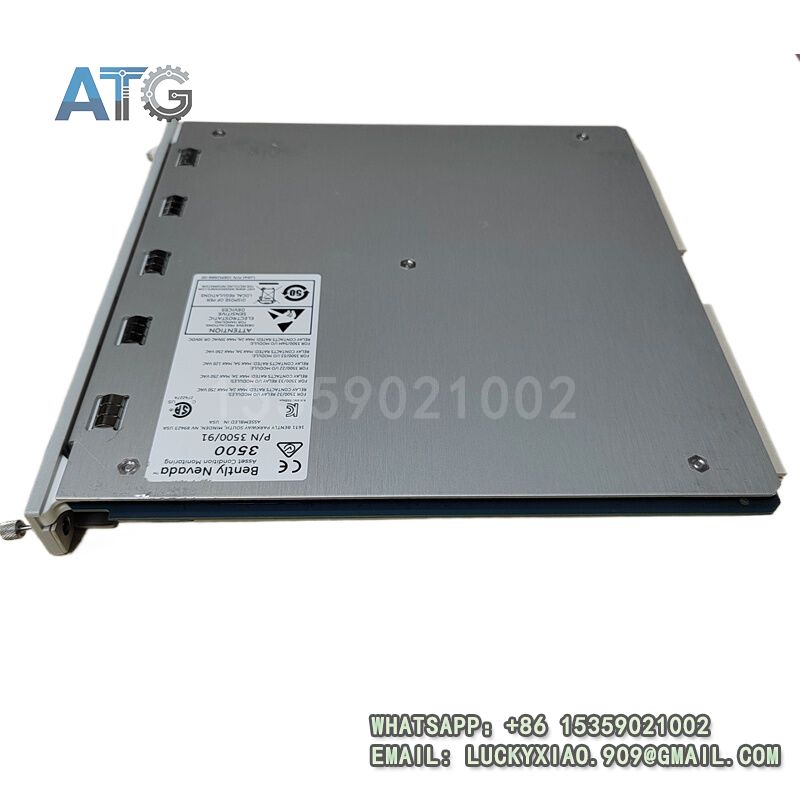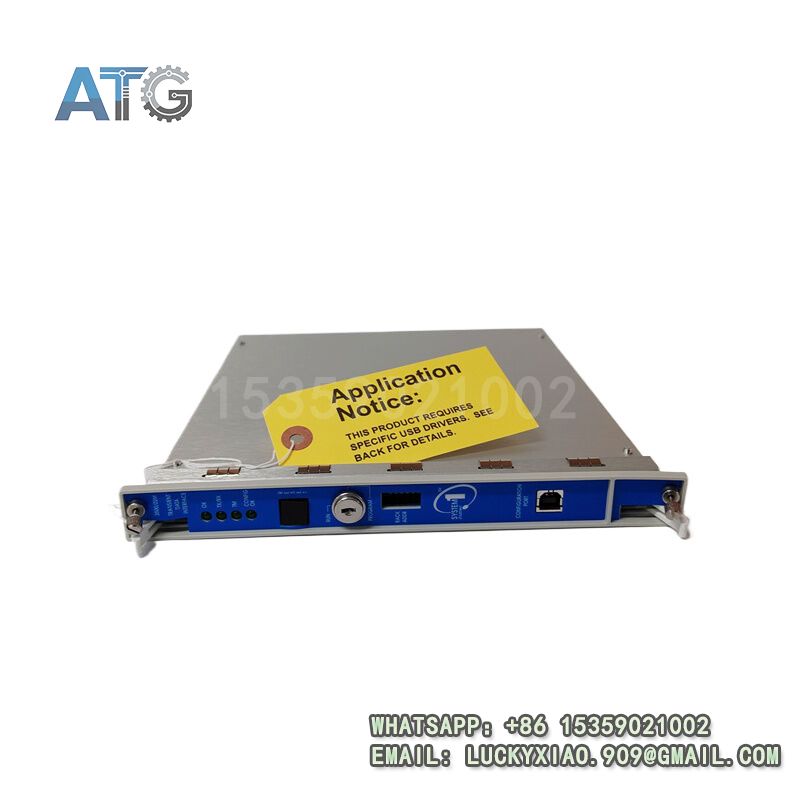

Description
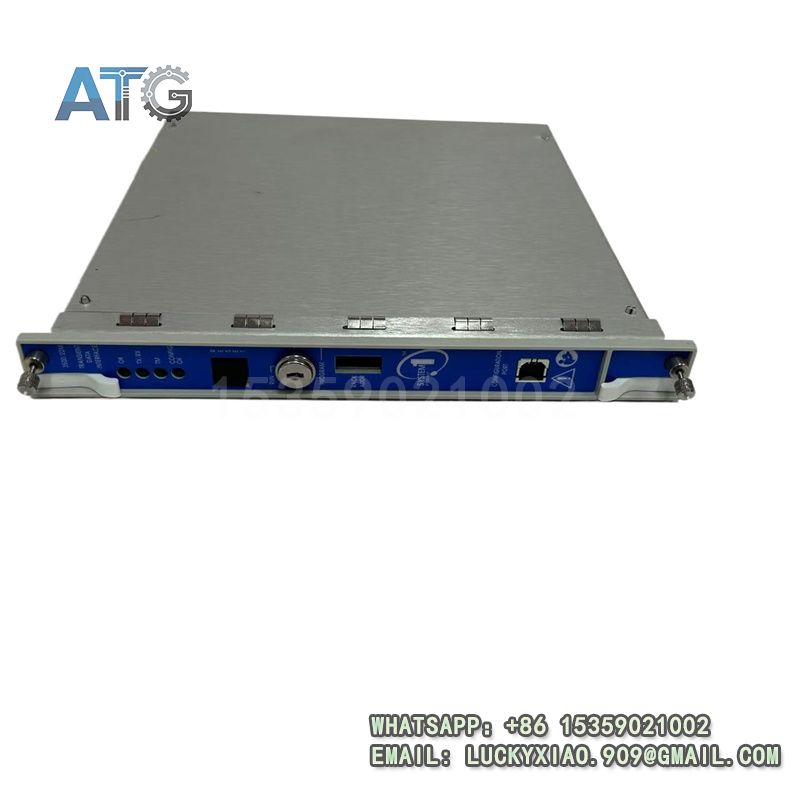
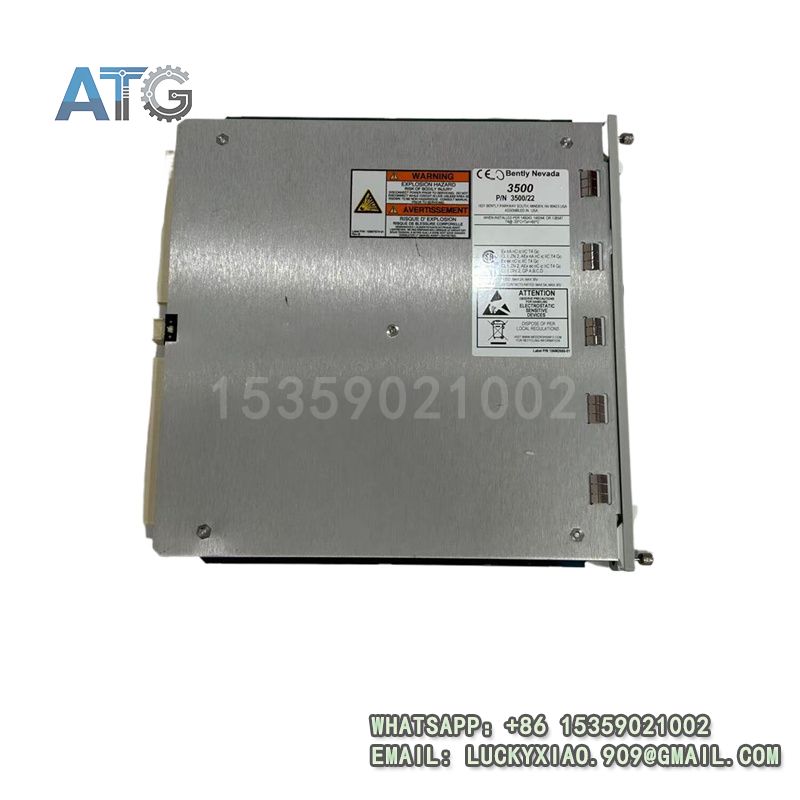
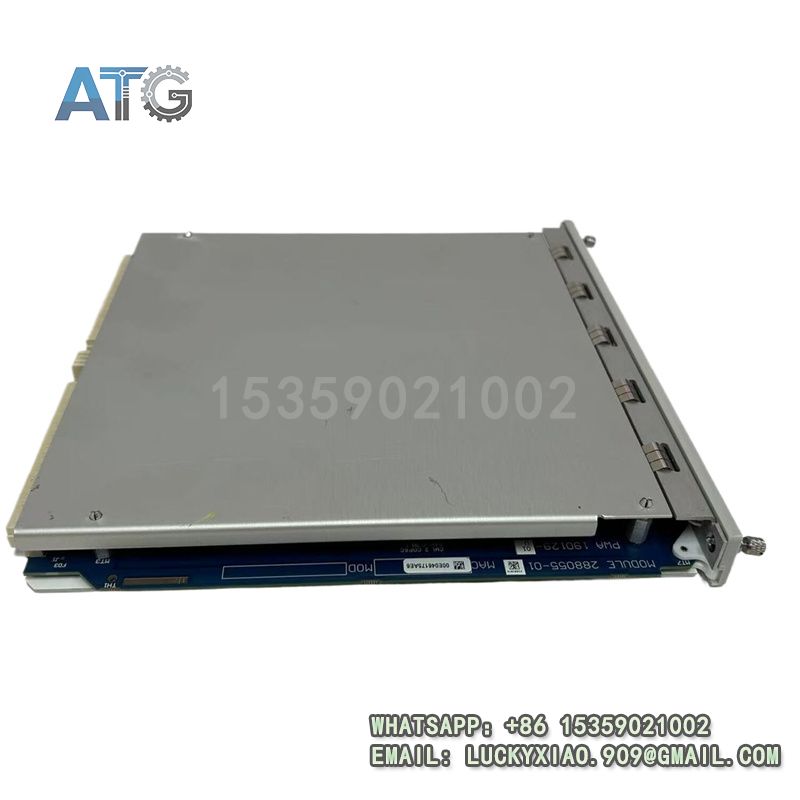
Bently Nevada 3500/22M 288055-01 Product Introduction
- Model: 3500/22M 288055-01
- Brand: Bently Nevada (Baker Hughes)
- Series: Bently Nevada 3500 Series
- Core Function: Transient data collection & system communication
- Type: Transient Data Interface Module (TDI)
- Key Specs: 24VDC, Ethernet, 4 Keyphasor signal support
- Supply Status: in stock
- Stock: 13
- Warranty: 18 months
- Ship From: China
BENTLY 3500/22 288055-01
System Application, Role & Working Principle
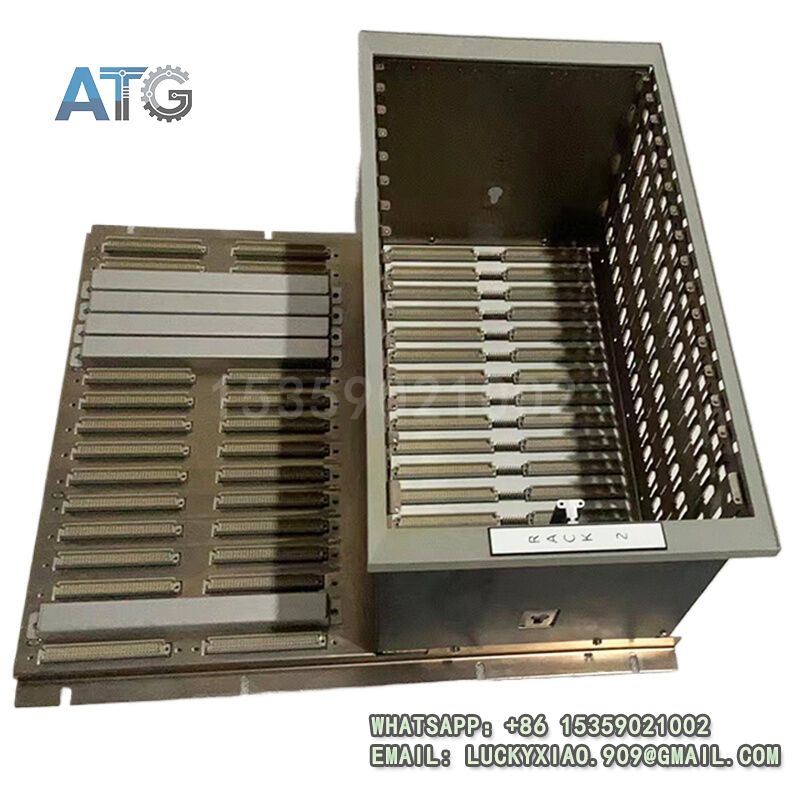
- Applicable System: It is mainly used in Bently Nevada 3500 rotating machinery monitoring system. It is an essential interface module for the 3500 rack system, which must be installed in slot 1 next to the power supply, and matches with M-series monitors (3500/40M, 3500/42M, etc.)[5]. It is compatible with System 1 condition monitoring software and 3500 system configuration software.
- System Role: It serves as a gateway between the 3500 monitoring system and upper software. It integrates the functions of 3500/20 rack interface module (RIM) and communication processor, collecting both steady-state and transient data[5]. It transmits data to host software via Ethernet, controls rack configuration modes with a key lock to prevent unauthorized modifications, and supports on-site and remote configuration[2].
- Working Principle: It connects to M-series monitors to collect vibration, speed and transient waveform data. It processes the collected data, stores pre-alarm and post-alarm related data, and transmits data to upper software through Ethernet. It uses a key lock to switch between “run” and “program” modes, ensuring safe and stable operation of the system. It can also record high-resolution transient data with an optional channel enable disk.
BENTLY 3500/22 288055-01
Usage Instructions
- Installation: Install in slot 1 of the 3500 rack (next to the power supply), ensure firm fixation and good ventilation for heat dissipation. Each 3500 rack requires one TDI or RIM module.
- Wiring: Follow the official diagram, connect power and Ethernet cables correctly. Use shielded cables to reduce interference, and connect signal common terminals to the rack ground as required.
- Configuration: Use 3500 system configuration software to set parameters. Switch between “run” and “program” modes via the key lock; “run” mode prevents configuration modification, while “program” mode supports local or remote configuration. Verify communication with upper software before startup.
- Maintenance: Regularly check the module status and cable connections, clean surface dust, and back up configuration data periodically. Check the USB port (for configuration) and Ethernet port (for communication) regularly.
- Safety Notes: Cut off power before installation or maintenance. Lock the rack in “run” mode to prevent misconfiguration. Avoid damaging the key lock and interface ports during operation.